

Keep your account yours
10 Sagar Club Safety Rules
Ten simple rules that stop almost every Sagar Club account takeover – and keep play healthy.
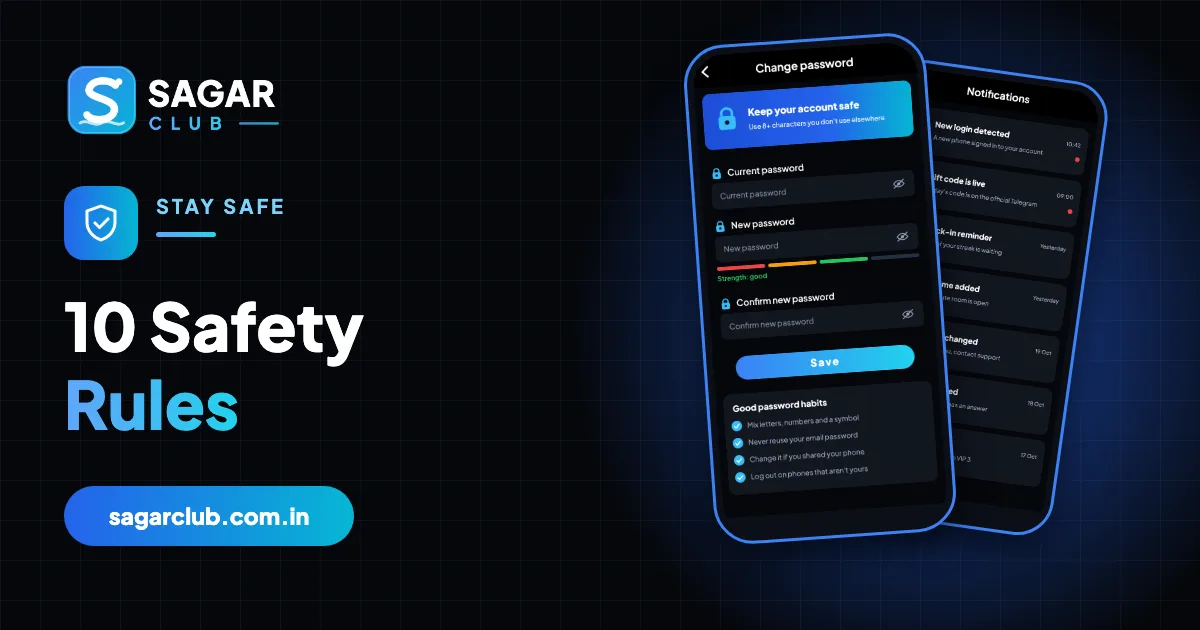
Most Sagar Club problems – lost accounts, fake apps, scams – are avoidable with a few habits. Here are the ten that matter most.
Print them, screenshot them, share them with friends who play.
Contents
The ten rules
- Never share an OTP.
- Use a unique password – not your email or UPI one.
- Only use the official app or a bookmark.
- Install only the official APK – no mods.
- Turn on login alerts and act on them.
- Log out on shared devices.
- Ignore ‘support’ that contacts you first.
- Ignore prediction sellers.
- Protect your SIM with a PIN.
- Set a time limit before every session.
More detail: account security and responsible play.
The rules in real life
Rule 1 stops the most common takeover – a caller pretending to be support. Rule 3 stops the second most common – a forwarded link to a copy of the login page. Rule 2 means that even if another website you use is breached, your Sagar Club account isn’t affected. The rest close smaller gaps: alerts tell you quickly if something goes wrong, logging out protects shared devices, and a SIM PIN protects the channel your reset codes travel on.
What to do if you broke a rule
| Situation | Action |
|---|---|
| Shared an OTP | Change password now; tell support |
| Typed password on a link | Change password now |
| Installed a mod APK | Uninstall; reinstall official; change password |
| Left a login on a shared device | Change password – it ends that session |
Why each rule matters
| Rule | Why |
|---|---|
| Never share an OTP | Codes reset your password |
| Unique password | Leaks elsewhere can’t reach you |
| Official app or bookmark | Avoids fake login pages |
| Official APK only | Mods steal logins |
| Login alerts | You notice intruders quickly |
| Log out on shared devices | Others can’t open your account |
| Ignore ‘support’ that contacts you | Real support never does |
| Ignore prediction sellers | Results can’t be predicted |
| SIM PIN | Protects your reset channel |
| Time limit | Keeps play healthy |
Share these rules
If a friend or family member uses Sagar Club, send them this page. Most account problems are prevented by rules 1 to 3 alone.
Real questions
“Is a SIM PIN annoying?”
You enter it only after restarting the phone – a small price for protecting your reset channel.
“How often should I check my sessions?”
Monthly, or immediately after any unexpected alert.
Open Sagar Club the right way
Use the official app or website – one Sagar Club account works for login on every device.
Frequently asked questions
Which rule matters most?
Never share an OTP.