

Real address, every time
Sagar Club Official Link
Before you type your Sagar Club password anywhere, make sure the address is the real one. Here’s how to check in ten seconds – and how scams try to fool you.
Fake copies of popular game apps appear within days of launch. They copy the logo, colours and login screen perfectly; the only difference is the address in the bar – one extra letter, a different ending, an added word. Their goal is to collect passwords, OTPs or money.
The defence is simple and takes ten seconds: verify the address once, bookmark it or install the app from it, and never log in through a forwarded link again. This page shows how, and lists the scam patterns to watch for. (This site is an independent guide – we never ask for your login.)
Contents
The ten-second check
- Look at the address bar – not the page design.
- Read the domain letter by letter. Watch for extra letters, swapped letters, hyphens and added words like ‘login’, ‘vip’ or ‘bonus’.
- Check for the padlock (HTTPS).
- Compare with the link shown inside the installed app or posted on the official Telegram channel.
- Bookmark it – and only use the bookmark from now on.
Where fakes come from
| Source | Typical bait |
|---|---|
| WhatsApp and Telegram forwards | ‘Old link closed, use this new one’ |
| Video descriptions | ‘Hacked app / trick in description’ |
| Comment sections | ‘DM me for VIP link’ |
| Search ads | Paid ads above the real result |
| SMS | ‘Your account will be blocked, log in here’ |
Red flags on any page
- It asks for an OTP to log in (the real login doesn’t).
- It promises predictions, guaranteed results or ‘hacked’ rewards.
- It has a countdown pressuring you to act now.
- It asks for payment to register, unlock or ‘verify’.
- It pushes an APK with a different name or size.
- It tells iPhone users to install a profile.
Fake apps
Fake APKs are the app version of fake links. The real Sagar Club Android app is about 3 MB, comes from the official site, and asks only for internet and notifications. Anything named ‘Pro’, ‘Mod’, ‘Hack’ or ‘VIP’, anything much larger, and anything asking for SMS or Accessibility access is fake. See Sagar Club APK.
If you used a fake link or app
- Close the page or uninstall the app.
- Open the real app (or the official site from a bookmark) and change your password.
- Check login security for unknown devices.
- If you shared an OTP, tell support straight away.
- Change any other account that used the same password.
- Warn whoever sent you the link.
Reporting a fake
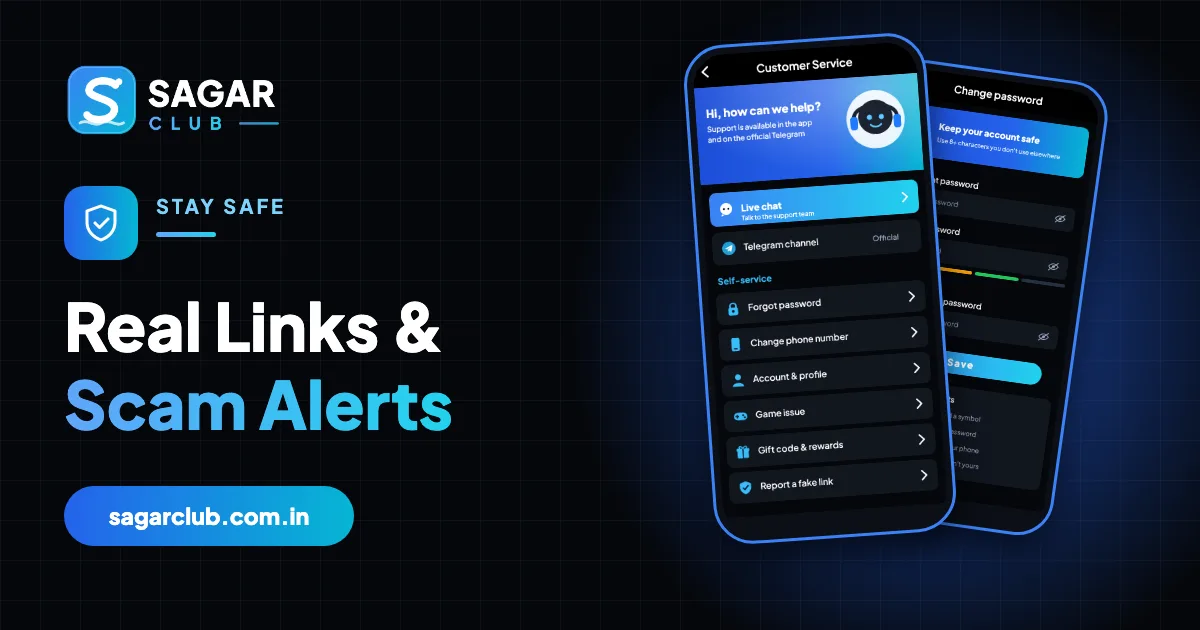
Customer service has a ‘report a fake link’ option. Include the address and where you found it. Reporting helps protect other players.
A note about this site
sagarclub.com.in is an independent information site about Sagar Club. It isn’t the game app, it doesn’t hold accounts, and it will never ask for your password, OTP or payment. If a page claiming to be us asks for any of those, it isn’t us.
How look-alike domains trick the eye
Scammers rely on the fact that people read words, not letters. A domain with one letter doubled, two letters swapped, an extra hyphen, or a word like ‘login’ or ‘vip’ added can look identical at a glance – especially on a small phone screen where the address bar is truncated. Some even use characters from other alphabets that look like English letters. That’s why the check has to be slow and letter-by-letter, once, and then never needed again because you use a bookmark.
| Trick | Example pattern |
|---|---|
| Doubled letter | One letter repeated |
| Swapped letters | Two letters in the wrong order |
| Added word | ‘login’, ‘vip’, ‘bonus’, ‘app’ inserted |
| Different ending | An unusual extension instead of the real one |
| Hyphenation | A hyphen added between words |
Why bookmarks beat searching
Searching for Sagar Club every time means trusting the search results every time – and fake sites sometimes buy ads or game rankings to appear first. A bookmark made once from a verified source removes that risk permanently. The installed app is even better: you never type or tap an address at all.
- Verify the address once (inside the app or from the official channel).
- Bookmark it – Chrome: ⋮ → ☆; Safari: Share → Add Bookmark.
- Rename the bookmark ‘Sagar Club (official)’.
- From now on, open Sagar Club only from the bookmark or the app.
Messages designed to rush you
Almost every scam message has a deadline: your account will be blocked in an hour, the bonus ends tonight, only 50 places left. Urgency stops people checking. When a message makes you feel rushed, that’s the moment to slow down, close it, and open Sagar Club from your app or bookmark instead.
Helping others spot fakes
If someone forwards you a ‘new Sagar Club link’, don’t just ignore it – reply and tell them it may be fake and how to check. Many people share links in good faith. A quick message can stop a friend losing their account.
Open Sagar Club the right way
Use the official app or website – one Sagar Club account works for login on every device.
Frequently asked questions
How do I find the official Sagar Club link?
Inside the installed app and on the official Telegram channel.
Does Sagar Club announce new links on WhatsApp?
Treat any forwarded ‘new link’ as suspicious.
Is a site with HTTPS always safe?
No – fakes use HTTPS too. Check the domain itself.
Is this site the Sagar Club app?
No – it’s an independent guide.
Why do fake sites look so real?
They copy the real design exactly – only the address differs.
Can I trust a link from a friend?
Check it yourself – friends forward fakes in good faith.