

Official channel, fake groups
Sagar Club Telegram
Sagar Club posts announcements and gift codes on its official Telegram channel. Here’s how to make sure you’re in the right one.
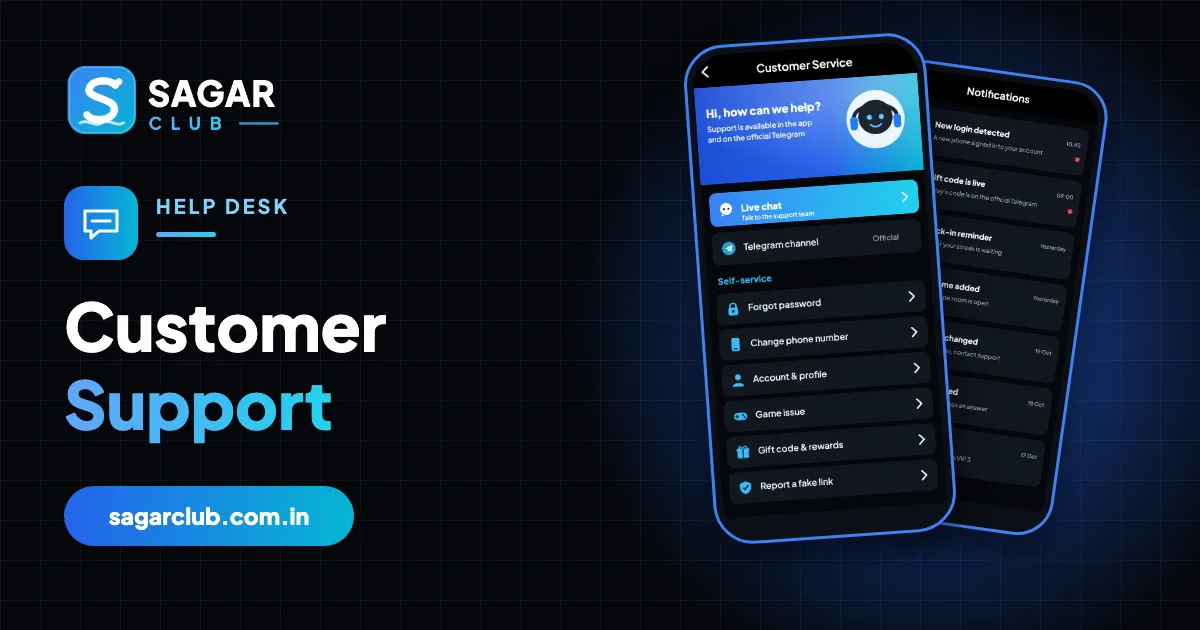
The official Sagar Club Telegram is a broadcast channel: the team posts, members read. That makes it easy to tell apart from fake groups, where anyone can chat and ‘admins’ message you privately.
Find the channel through the link inside the app rather than search results or forwards.
Contents
- What’s posted on the official channel
- Real channel vs fake group
- Join safely
- Telegram privacy settings
- Why Telegram is popular for game announcements
- Signs a Telegram account is fake
- If you already shared something
- Using the channel well
- Telegram glossary
- Real questions about Telegram
- Telegram mistakes and better habits
- Telegram and your phone number
- FAQs
What’s posted on the official channel
- Gift codes and their expiry times.
- App update notices.
- Maintenance and event times.
- Warnings about fake links.
Real channel vs fake group
| Official | Fake | |
|---|---|---|
| Type | Channel (read-only) | Group (anyone chats) |
| Messages you privately | Never | Often |
| Asks for OTP or password | Never | Often |
| Sells predictions or codes | Never | Often |
| Where you found it | Link inside the app | Forwards, comments, ads |
Join safely
- Open the Telegram link from inside the Sagar Club app.
- Check it’s a channel, not a group.
- Turn on notifications for the channel if you want codes quickly.
- Ignore and block anyone who messages you claiming to be an admin.
Telegram privacy settings
- Settings → Privacy and Security.
- Phone number → Who can see: Nobody.
- Groups & channels → Who can add me: My contacts.
- Restrict messages from non-contacts if your version allows.
Why Telegram is popular for game announcements
Telegram channels can broadcast to large audiences instantly, which makes them ideal for time-sensitive things like gift codes and maintenance notices. The same features also make Telegram popular with scammers, who create look-alike channels and groups. The defence is to find the channel from inside the app and to remember that channels don’t message you privately.
Signs a Telegram account is fake
| Behaviour | Verdict |
|---|---|
| Messages you first | Fake |
| Offers predictions or ‘signals’ | Fake |
| Sells gift codes or VIP | Fake |
| Asks for OTP, password or screen share | Fake |
| Is a group where anyone can post | Not the official channel |
If you already shared something
- If you shared an OTP or password: change your password now.
- Check login security for unknown devices.
- Tell support.
- Report and block the Telegram account.
- Leave any fake groups.
Using the channel well
- Turn on notifications only for the official channel.
- Mute it at night.
- Don’t click links in comments or forwarded posts.
- Copy codes; don’t type them by hand.
Telegram glossary
| Word | Meaning |
|---|---|
| Channel | Broadcast – only admins post |
| Group | Chat – anyone can post |
| Forward | A post shared from elsewhere |
| Verified | Telegram’s badge for some accounts – not all official channels have one |
Real questions about Telegram
“I found three ‘Sagar Club Official’ channels.”
Use only the one linked inside the app.
“An admin offered me a VIP code.”
The official channel doesn’t DM. Block and report.
“Do I need Telegram to use Sagar Club?”
No – it’s only for announcements and codes.
“Can I mute the channel?”
Yes – mute it and check when you choose.
Telegram mistakes and better habits
| Mistake | Better habit |
|---|---|
| Joining channels from forwards | Use the in-app link |
| Replying to ‘admins’ | Block them |
| Clicking links in comments | Ignore them |
| Leaving notifications on all night | Mute at night |
Telegram and your phone number
By default, Telegram can show your phone number to contacts and sometimes to groups. Set ‘Phone number → Who can see’ to Nobody so strangers in large groups can’t see or message your number.
Open Sagar Club the right way
Use the official app or website – one Sagar Club account works for login on every device.
Frequently asked questions
Does Sagar Club have an official Telegram?
Yes – use the link inside the app to find it.
Will an admin message me?
No. A private message from an ‘admin’ is a scam.