

Android and iOS compared
Sagar Club APK vs iPhone App
Same account, two very different installs. Here’s how the Android APK and the iPhone web app compare.
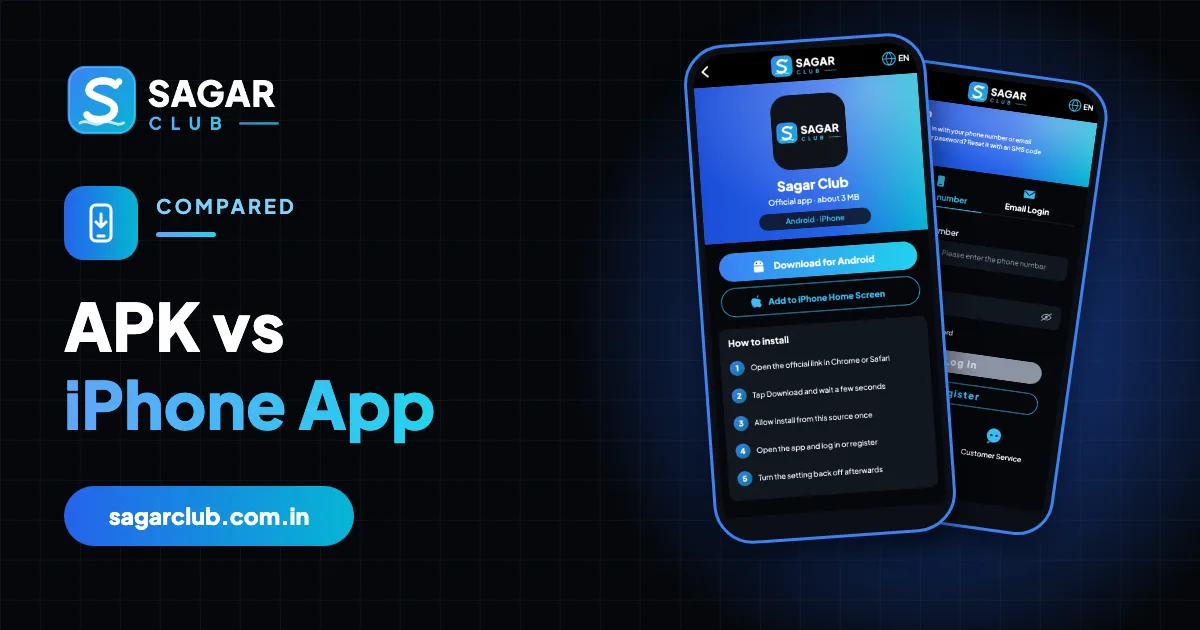
On Android you install a real app from an APK file; on iPhone you add the website to your home screen. Both log in to the same Sagar Club account, but they install, update and behave a little differently.
Here’s a side-by-side comparison.
Contents
Side by side
| Android APK | iPhone | |
|---|---|---|
| Install | APK from official site | Safari → Add to Home Screen |
| Size | About 3 MB | Very small |
| Updates | In-app prompt | Automatic |
| Notifications | Yes | iOS 16.4+ |
| Biggest risk | Fake APKs | Fake ‘profiles’ |
| Login | Same account | Same account |
Android notes
Allow installs for Chrome only while installing, then switch it off. Only update through the in-app prompt or official site. More: Sagar Club APK.
iPhone notes
Add from Safari outside Private mode, keep Block All Cookies off, and never install a profile. More: Sagar Club iPhone.
Which is better?
Neither – they’re built for their platforms. The best one is the one on your own phone, installed from the official source.
Installing on each, side by side
Android
- Official site in Chrome.
- Download for Android.
- Allow install once.
- Install, open, log in.
- Switch install permission off.
iPhone
- Official site in Safari.
- Share → Add to Home Screen.
- Tap Add.
- Open icon, log in.
- Allow notifications.
Updating each
Android shows an update prompt in the app; tap it or install the latest file from the official site over the old one. iPhone needs nothing – the home-screen app loads the latest version every time.
Removing each
Android: Settings → Apps → Sagar Club → Uninstall. iPhone: long-press the icon → Remove App → Delete from Home Screen. Neither deletes your account.
Security compared
| Android | iPhone | |
|---|---|---|
| Main risk | Fake APK with SMS/accessibility access | Fake ‘profile’ install |
| Built-in protection | Play Protect scans | Safari sandbox |
| Best habit | Install only from official site; switch installs off | Add from Safari; never install profiles |
Moving between them
Your account works on both. If you switch platforms, install the right version for the new phone and log in – nothing else to move.
Real questions
“Which is faster?”
Both load quickly; the Android app keeps more cached content.
“Can I install the APK on iPhone?”
No – use Safari’s Add to Home Screen.
Open Sagar Club the right way
Use the official app or website – one Sagar Club account works for login on every device.
Frequently asked questions
Can I use the same account on both?
Yes.
Is the iPhone version less safe?
No – it’s arguably safer, as it can only do what Safari can.