

A routine that works first time
Register on Sagar Club in Two Minutes
Sagar Club register really can take two minutes – if you prepare for thirty seconds first.
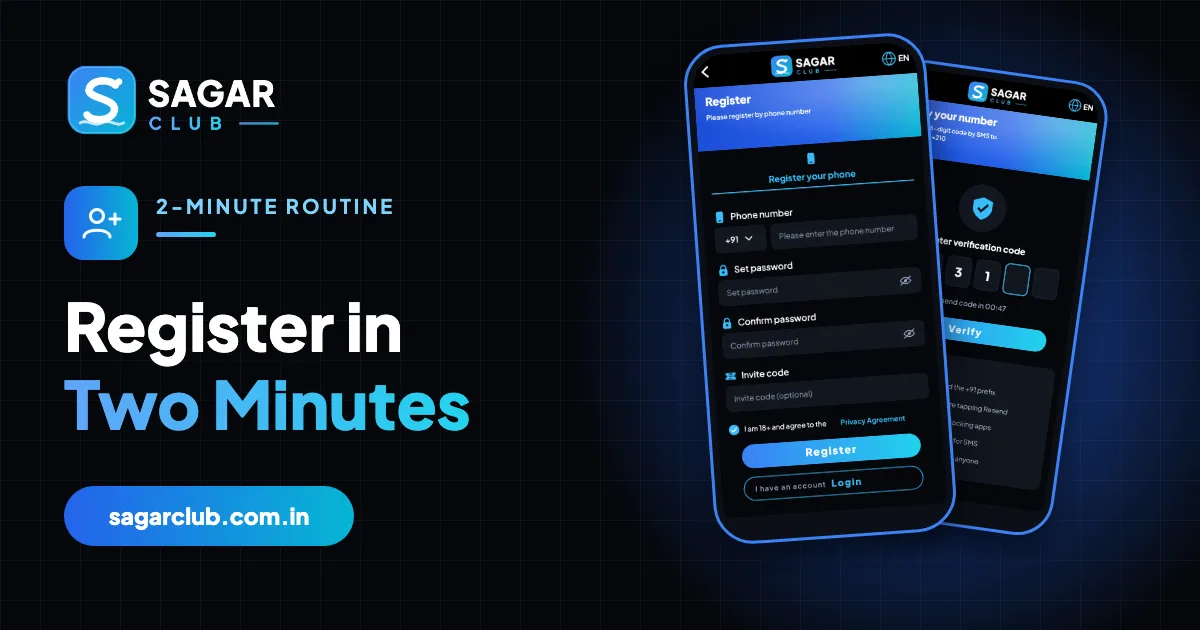
Most slow or failed Sagar Club registrations come from the same handful of things: an extra 0 in the number, a password that doesn’t match itself, an OTP blocked by the phone. Spend thirty seconds preparing and the rest is quick.
Here’s the routine, minute by minute.
Contents
The 30-second prep
- Decide which number you’ll use – one you’ll keep.
- Think of a passphrase: three unrelated words and a number.
- Check your SMS inbox works (and DND isn’t blocking service messages).
- Open the official app or site – not a forwarded link.
Minute one: the form
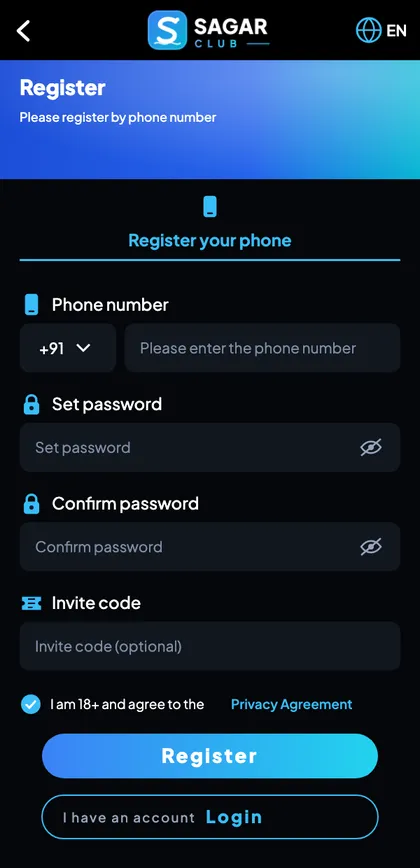
- Tap Register.
- Type 10 digits – no 0, no +91.
- Type the password; check with the eye icon.
- Type it again by hand.
- Leave the invite code as it is.
- Tick 18+ and tap Register.
Minute two: the code and setup
- Type the 6-digit SMS code (or accept auto-fill).
- Note your UID.
- Bind an email.
- Turn on login alerts.
The five mistakes
| Mistake | Result |
|---|---|
| Extra 0 or +91 in the number | ‘Invalid number’ |
| Pasted password | Hidden space – ‘do not match’ |
| Pressing Resend early | First code cancelled |
| Wrong invite code | Error – clear the box |
| Registering twice | ‘Already registered’ – log in instead |
Full field-by-field guide: Sagar Club register.
Why speed comes from preparation
Registration screens are quick; what slows people down is deciding things on the spot – which number, what password – and fixing typos afterwards. Making those decisions before you tap Register is what turns a frustrating ten minutes into a smooth two.
After registering: the next two minutes
- Write down your UID.
- Bind your email.
- Turn on login alerts.
- Change the default nickname.
Those four steps protect the account you just made. More in profile and settings.
Printable checklist
- 18+
- Official app or site
- Number you’ll keep – 10 digits
- Passphrase ready
- SMS working; DND allows service messages
- Password typed twice by hand
- Invite code only if given by a friend
- 18+ box ticked
- Code entered within the timer
- UID noted, email bound, alerts on
What to do if it takes longer
If the SMS is slow, wait for the full timer, then follow OTP fixes. If you see ‘already registered’, go to login instead.
Real questions
“It’s taking longer than two minutes.”
Usually the SMS. Wait for the timer and check spam.
“Can I skip binding an email?”
You can, but it’s the best backup you’ll ever set up.
Open Sagar Club the right way
Use the official app or website – one Sagar Club account works for login on every device.
Frequently asked questions
Is two minutes realistic?
Yes, if the SMS arrives promptly.
What if the code is slow?
Wait for the timer, then see OTP fixes.