

Why it happens
Sagar Club ‘Incorrect Password‘ Fixes
You’re sure the password is right, but Sagar Club says it isn’t. Usually it’s the keyboard, not your memory.
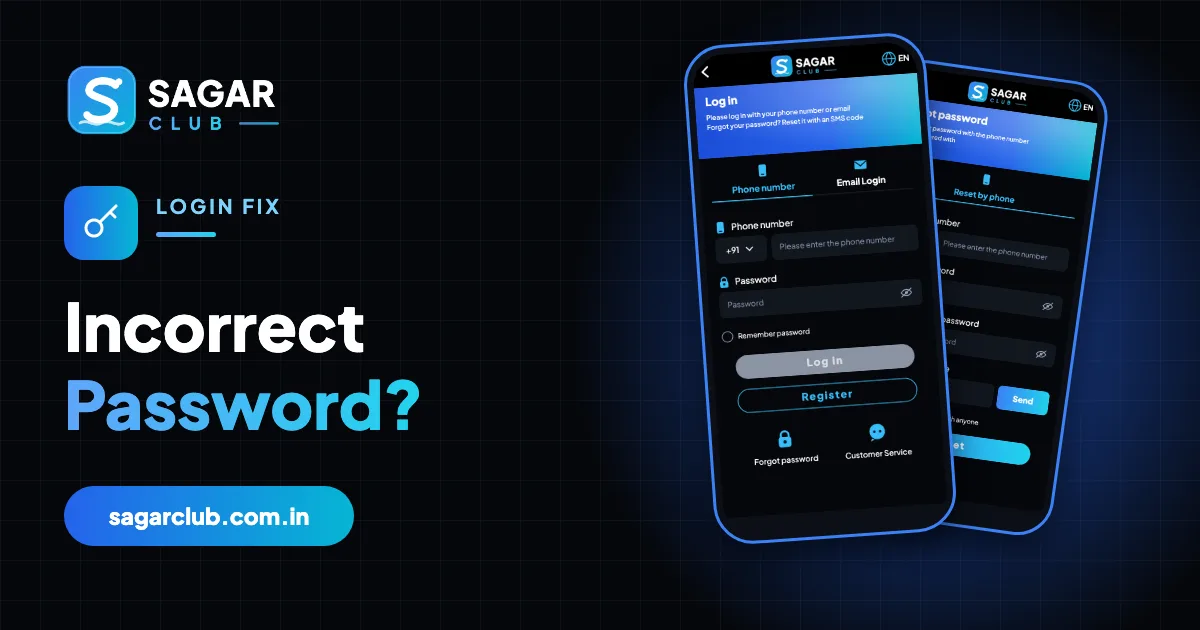
‘Incorrect password’ is the most frustrating Sagar Club login error because it feels like the app is wrong. It almost never is. What usually changed is how the password was typed – or which password your phone filled in.
Here are the real causes, most common first.
Contents
1. Auto-capitalisation
Most keyboards capitalise the first letter of a field. If your password starts with a lowercase letter, that one change makes it wrong. Tap the eye icon and check.
2. Keyboard language or layout
Switching to Hindi or another layout can change where symbols are. Switch back to English and type again.
3. An outdated saved password
Your phone’s password manager may still hold an old password. Type it manually, and update the saved entry when it works.
4. You changed it recently
After a reset or change, only the new password works – on every device.
5. You’re on a different account
If you have two SIMs, you may be typing the right password for the wrong number. Check which number you registered with.
6. A fake login page
If you arrived from a forwarded link, the page may not be Sagar Club at all. Open the real app or your bookmark – official link.
When to stop guessing
After two careful attempts, use forgot password. More guesses lead to a temporary lock (account locked).
A real example
Ravi’s password worked for weeks, then suddenly didn’t. He’d updated his keyboard app the night before, and it had started auto-capitalising the first letter in every field. He tapped the eye icon, saw the capital R, typed a lowercase r – and he was in. Two minutes saved, no reset needed.
Preventing it
- Use a password manager to fill it.
- Turn off auto-capitalisation for password fields if your keyboard allows.
- Check with the eye icon before tapping Log in.
A quick diagnostic
| Pattern | Likely cause |
|---|---|
| Worked yesterday, not today | Keyboard changed something |
| Never worked on this phone | Different password saved elsewhere |
| Stopped after a reset | Use the new password |
| Works on laptop, not phone | Phone autofill has an old password |
After you’re back in
- Save the password in a manager.
- Bind an email.
- Turn on login alerts.
Real questions
“Should I keep trying variations?”
No – after two tries, reset.
“Can support tell me if it’s right?”
No – they can’t see passwords.
Open Sagar Club the right way
Use the official app or website – one Sagar Club account works for login on every device.
Frequently asked questions
Is ‘incorrect password’ a sign of hacking?
Usually not – but if you didn’t change it and it really doesn’t work, reset it and check login alerts.